Offline games for Android are easy to find and surprisingly hard to be sure of: plenty of games say “no Wi-Fi needed” and then ask for a connection at the first screen. Here is a short way to test any game, a list of the things that may still need a network even in a truly offline game, and some notes on storage and battery.
The airplane-mode test
The reliable way to know is to try it. Install the game while you are online, then turn on airplane mode and open it. Play for a few minutes, close it, open it again and see whether your progress is still there. If it plays, saves and restarts, it is offline in the way that matters on a flight or a commute.
- Install and open the game once while connected, so it can finish any setup.
- Turn on airplane mode.
- Start a game and play a few minutes. Watch for error messages or a blank screen.
- Close the game fully and open it again. Check that your progress is saved.
- Turn the connection back on only when you are finished testing.
A game that fails the test is not necessarily bad; it may simply be designed around being online. But then it is not what you were searching for.
What may still need a connection
Even a game that works offline often has parts that do not. These are the usual ones:
- Ads. Video ads are fetched over the network, so an offline game with ads simply shows none, or shows a message.
- Purchases. The store needs a connection to confirm any buy.
- Leaderboards and achievements. They need a connection and a signed-in player. A good game remembers what you earned and sends it later.
- Cloud saves and sign-in. These need a connection by nature.
- Updates. A new version needs a download first.
Knowing this stops a surprise. If the only thing an offline game cannot do is show ads or sync a score, you lose nothing you needed.
Night Shift offline on Android
Night Shift on Android is the same game as on iPhone and iPad, and it plays offline: every game, the daily challenge included. You need a connection only for the optional extras: watching a reward ad, the shop and buying packs, and the leaderboards and achievements, which use Google Play Games on Android. Achievements earned offline are remembered and sent later. The game asks you to sign in only when you open the leaderboard, and you do not need an account to play.
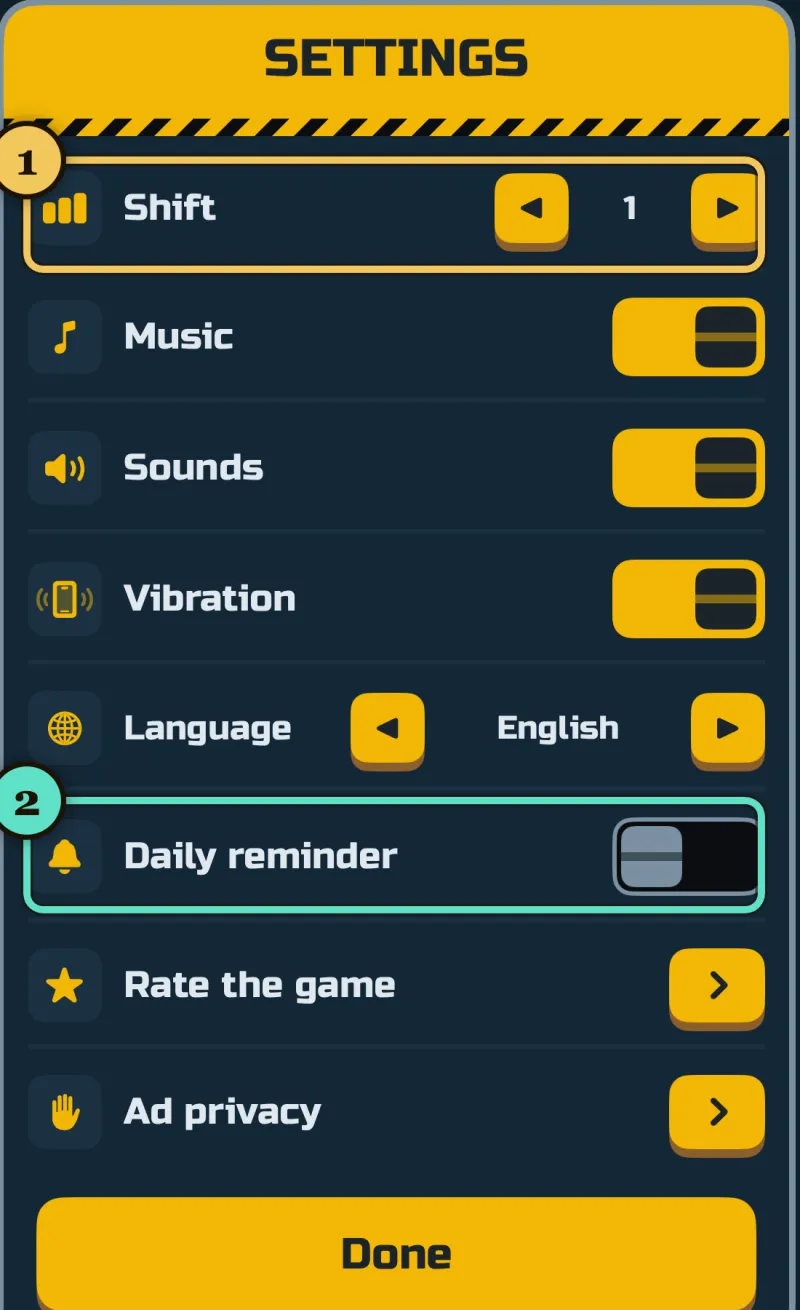
The game is saved whenever you pause it or leave it, and the Start button then reads Continue. Your best score, settings, supplies and streak are kept on the device. There is no cloud copy, so they do not move to a new phone by themselves.
The FAQ answers the common questions about saving and about what needs a connection.
Battery notes
Offline play helps the battery in one small way: a phone that is not searching for a signal uses less power. You can help further with a few simple habits that suit any game:
- Switch on airplane mode on a long trip, then turn Wi-Fi or Bluetooth back on only if you need them.
- Lower the screen brightness. The screen is usually the biggest power draw.
- Turn off vibration in games where you do not need it.
- Close the game when you stop, rather than leaving it paused for hours.
These are general tips, not measurements of any one game. A short session of a simple arcade game is gentle on a phone, but a long one will still use some battery.
Kinds of game that suit offline play
Some kinds of game are naturally offline, and it helps to know them when you search. Puzzle games, card and board games, and simple arcade games need only the rules and a score, so they rarely depend on a server. Games built around other players, daily downloads of new content or a live shop are the opposite. A quick sign: if the game is about beating a fixed set of rules rather than other people, it is usually safe to play without a signal.
Arcade stackers are a good fit. They are small, they keep their state on the device, and a session fits into a short wait. When you search, do not rely on the word offline alone; combine it with a kind of game you like, and then run the airplane-mode test above on the one you pick.
Storage
Offline games must carry everything with them, so size matters. Check how much space a game takes before a trip, and keep a little spare room for saves. If you have limited storage, delete games you have finished with, since their saved data is small compared with the game itself.
Before a trip
Before you leave, install and open each game at least once, so any first-run download is finished. Charge the phone, and bring a small number of games with different lengths: a quick one for waiting, and a longer one for the flight. For more on planning, see games to play on an airplane and the wider guide to offline games.
Why does an offline game ask for a connection at first launch?
Some games download extra data or check a licence the first time. Open it once while connected and it may not ask again.
Will I lose progress if I play without a connection?
Not in a well-made game. Progress is saved on the device, and things such as achievements are sent later when a connection returns.